
RMM data backup for MSPs
Back up your RMM data before it disappears.
Save supported RMM records for outages, deleted-device lookups, and platform moves. Search, compare, and download your backups.














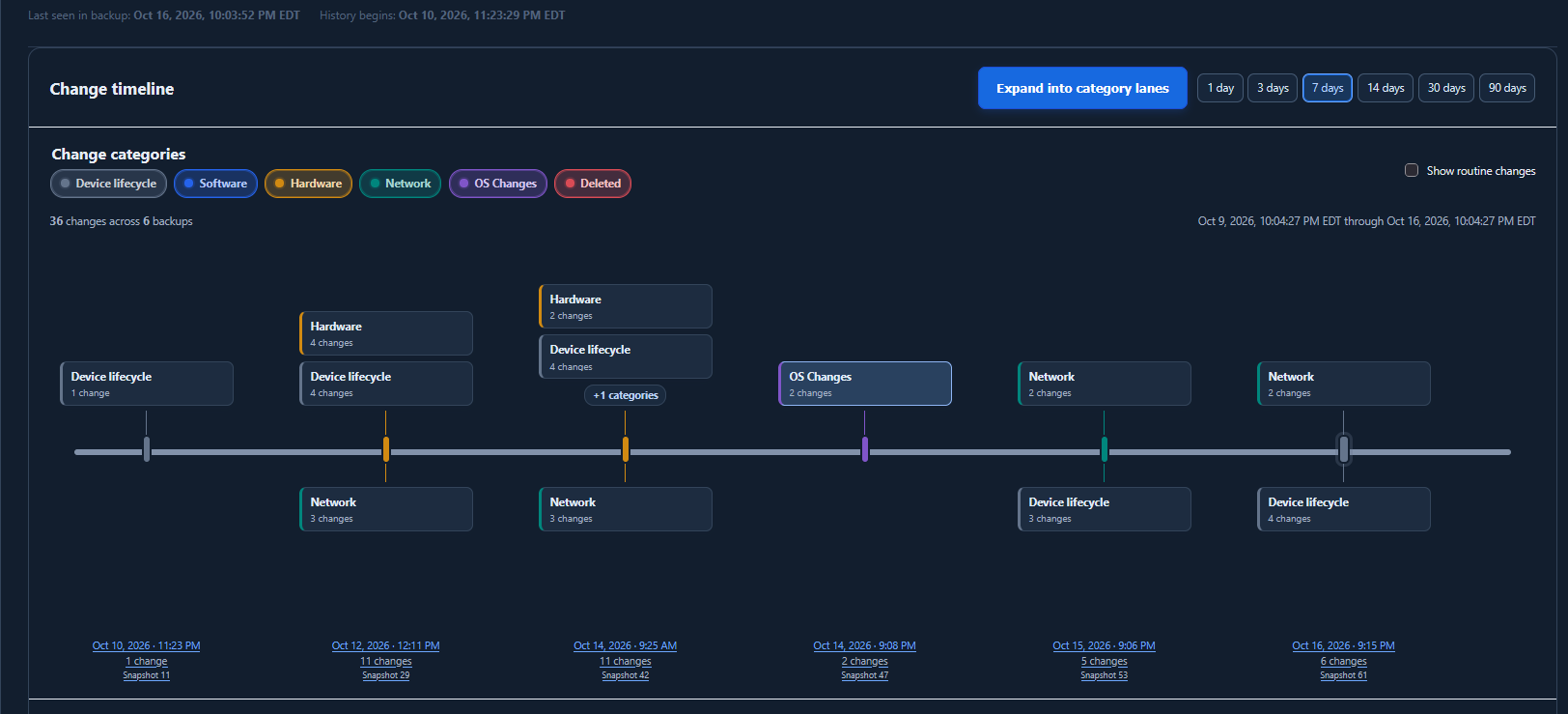
Asset Timeline: follow the history.
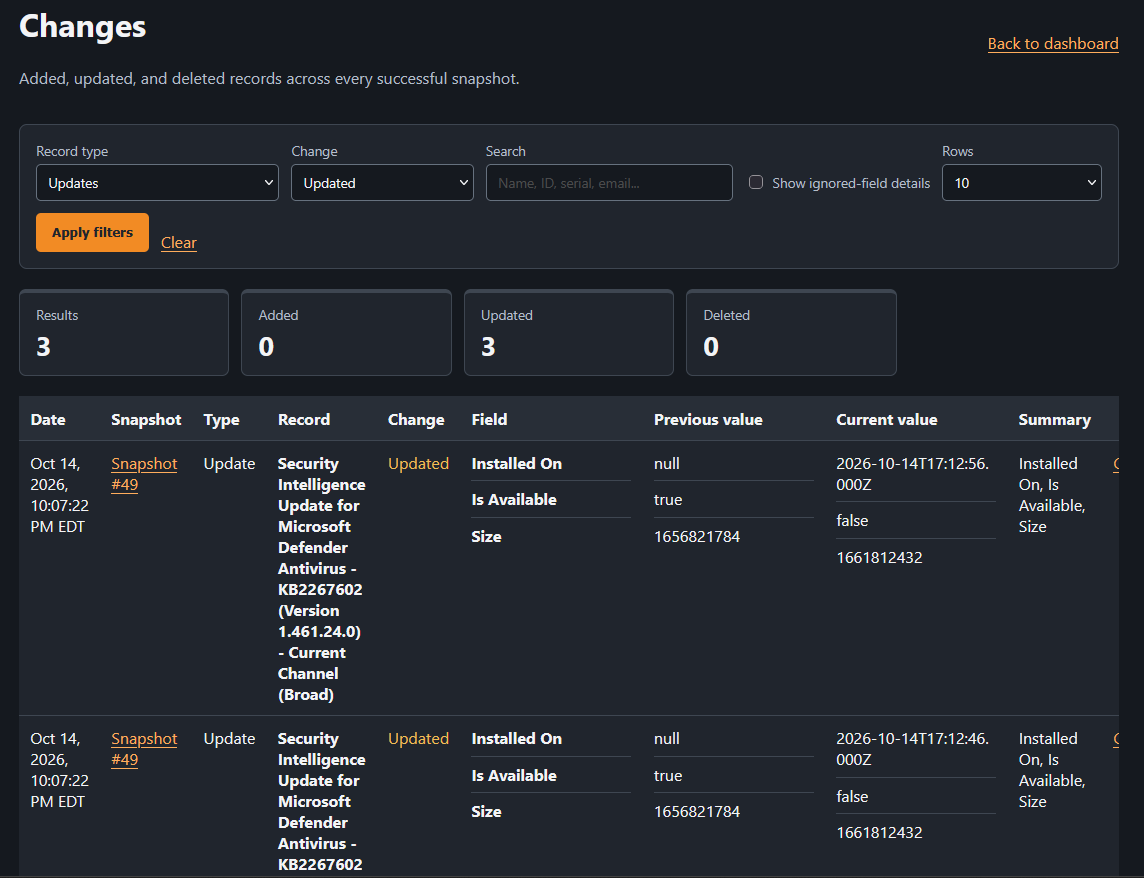
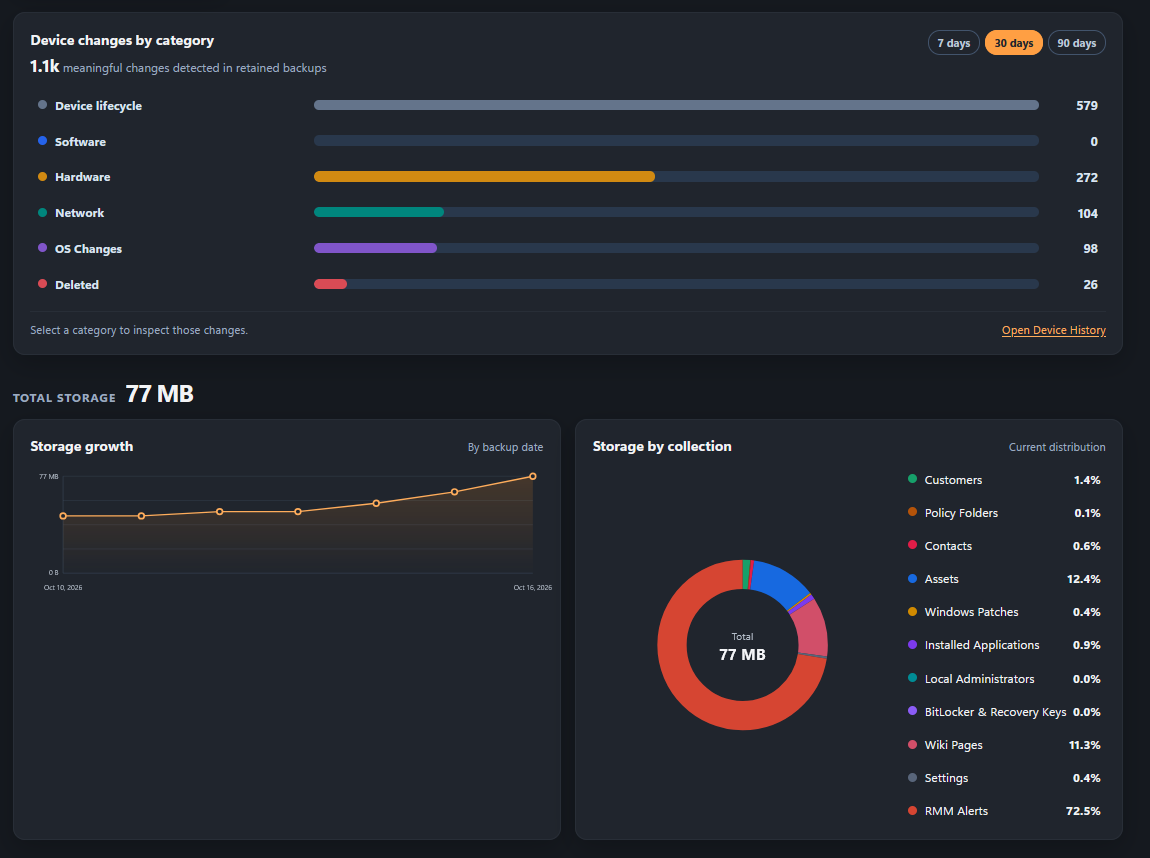
Compare captured software, hardware, network, and OS changes across saved backups.
Your first backup
Connect. Back up. Check the result.
Set up your first backup and check it with a familiar record.
Connect and validate
Add a supported RMM account and confirm the connection before backing it up.
Save a dated backup
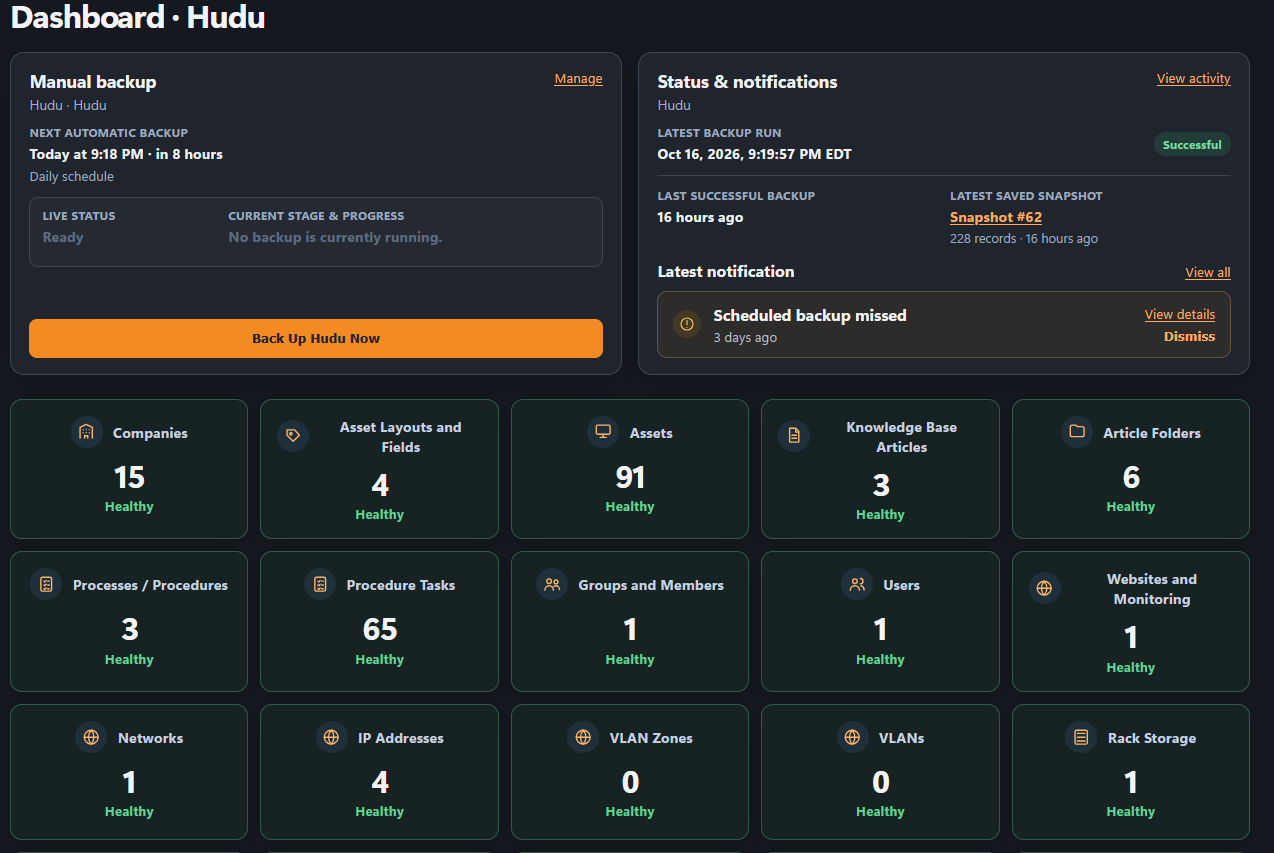
A snapshot is the data saved by one backup. Check which data types succeeded.
Search, compare, and download
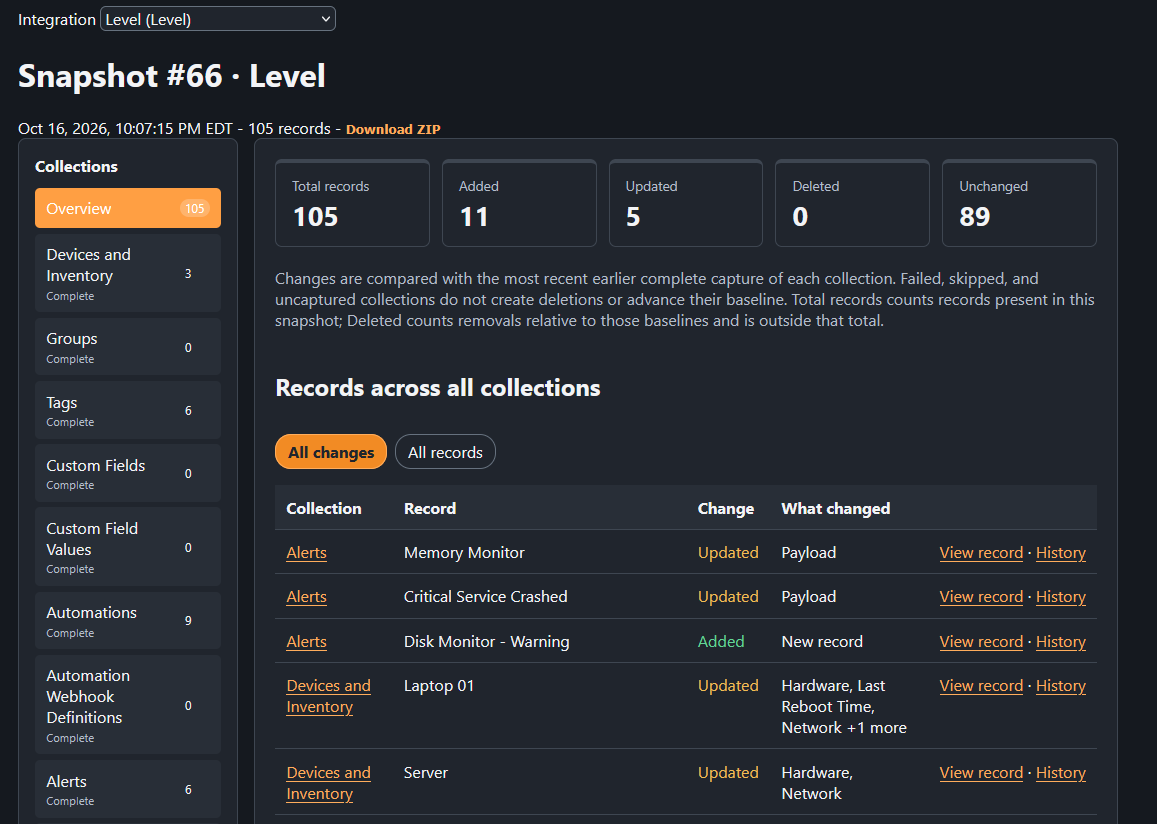
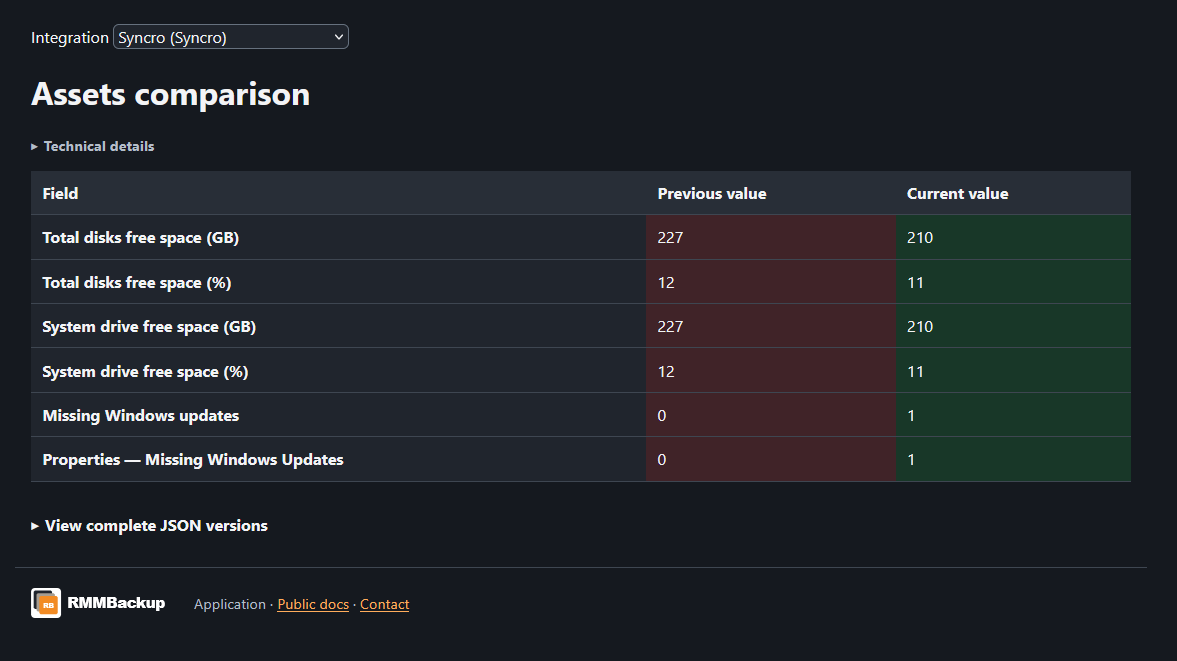
Find saved records, download a copy, and compare earlier versions kept by your plan.
Product tour
See RMMBackup in action.
Explore backup status, saved records, and field changes below.
Start with one email
Save the details before you need them.
Free keeps your latest fully successful backup from one platform. Need history and daily backups? Compare plans.